How to Redeem Make a Drink Codes
Exact in-game steps to claim promo rewards without typos or failed prompts.
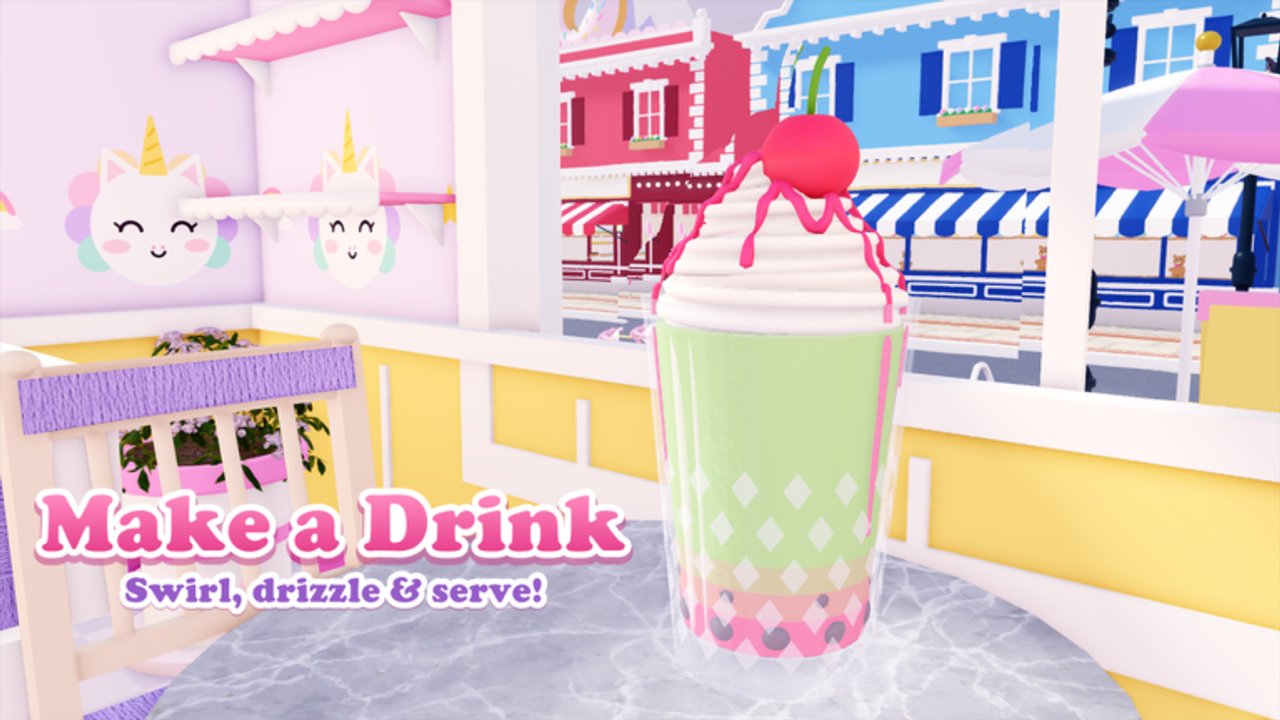
Redeeming Make a Drink codes on Roblox is quick once you know where the Codes button sits in the café UI. This guide walks through the full flow: joining the experience, finding the redeem panel, pasting cleanly, confirming the reward, and fixing the errors players hit most often. Pair it with the Codes Hub for the live active/expired list.
Make a Drink launched on 21 October 2026 as a Simulation/Tycoon café game (max 6 players). You take cute customer orders, pick a cup, pour the base to the fill line, pump syrup, add boba, jelly, or pudding, blend smooth or chunky (or keep layers), then finish with whipped cream, sauce drizzle, and toppings before serving for tips. Promo codes — when available — usually shortcut the early coin and XP grind so you unlock kitty cups, galaxy soda, rainbow glaze, and décor faster.
Before you redeem
- Use an account that owns (or can play) Make a Drink on Roblox.
- Confirm you are in the correct place: Make a Drink on Roblox.
- Copy the code from a trusted list only — never from a site that asks for your password.
- Check the Codes Hub so you are not redeeming an already-expired string.
If you are brand new, skim getting started first so the café HUD makes sense before you hunt the Codes button.
Step-by-step redeem flow
1. Join the experience
Press Play on the Roblox game page and wait until your avatar loads into the café. Servers hold up to six players; a busy lobby is fine — codes redeem per account, not per server.
2. Open the Codes panel
Look for the Codes button near the shop, settings, or reward cluster on the HUD. On mobile, you may need to expand the side menu. If the button is missing after a patch, rejoin once; UI widgets sometimes fail to mount on the first load.
3. Paste the code exactly
Tap the text field and paste. Codes are typically case-sensitive. Do not add spaces before or after the string. Avoid translating letters into look-alike characters from another keyboard layout.
4. Confirm and collect
Submit the code. A success toast should list coins, XP, cosmetics, or ingredients. Open inventory or the currency display to verify the reward landed. If the UI freezes, wait a few seconds before mashing redeem again — double submits can look like failures.
5. Spend rewards with intent
Coins and XP are most valuable when aimed at the next unlock bracket. Use the leveling guide and recipes overview so freebies unlock flavors or toppings you will actually serve. Cosmetic cups are ranked on the cups & flavors tier list.
Common errors and fixes
| Message / symptom | Likely cause | Fix |
|---|---|---|
| Invalid / incorrect | Typo, wrong case, or expired code | Recopy from the Codes Hub; trim spaces |
| Already redeemed | Same account claimed it earlier | Try another account only if rules allow |
| Nothing happens | UI lag or button not wired | Rejoin; wait for full café load |
| Codes button missing | Soft UI fail after update | Soft rejoin; check updates for known issues |
Mobile vs desktop tips
On touch devices, long-press paste is more reliable than typing. On desktop, paste from the clipboard after copying from this wiki — do not retype long strings. If Roblox chat intercepts your paste, click the Codes field again so focus stays on the redeem box.
What codes usually grant
When Make a Drink drops codes, expect combinations of:
- Soft currency for décor, staff wages, or ingredient restocks
- XP toward the 100+ level track
- Limited toppings or syrups tied to a seasonal event
- Cosmetic cups (kitty, galaxy-style, etc.) that do not change pour physics but raise tip vibes
Codes will not replace skill at the pour line. Keep practicing perfect pour so tips stay high even without freebies.
Account and safety rules
- Redeem only inside the official Roblox experience.
- Never share your password with “code generators.”
- This wiki does not sell codes and is not affiliated with creator group Make a Drink (500518332).
- Scripts and executors are unrelated to promo codes. Read the scripts hub if that is what you meant to search for.
After a successful redeem
- Note the reward so you can plan the next unlock.
- Hire or upgrade staff if coins allow — see staff & café management.
- Refresh décor placements that customers notice first — café decoration.
- Return to the Codes Hub after the next seasonal ingredient patch.
Working codes are rare right now (none active as of November 2026), but the redeem pipeline above stays the same whenever a new string drops. Master it once, then you can claim in under a minute the next time the Codes Hub lights up.
Frequently Asked Questions
Quick answers for new baristas and cafe owners.
Where is the Codes button in Make a Drink?
On the café HUD near shop or settings. Expand the side menu on mobile if you do not see it. Rejoin if the button failed to load.
Are Make a Drink codes case-sensitive?
Yes. Paste exactly as listed, with no leading or trailing spaces, and avoid keyboard look-alike characters.
Can I redeem the same code on multiple accounts?
Each Roblox account generally claims a code once. Alts may work if the code is still active, but never share passwords between accounts.
Do I need to be a certain level to redeem?
Promo codes usually work from the first session as long as the Codes UI is unlocked. If redeem fails with no message, finish the short tutorial first.